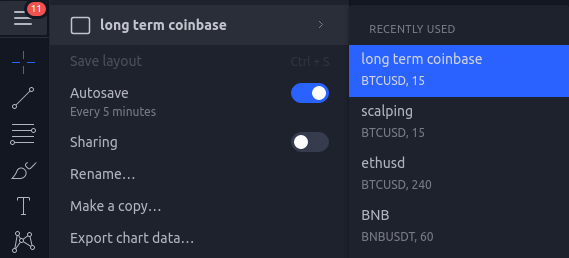
Webview tabs can display any website you want.
Click the edit button to add websites you want in Bybit Pro
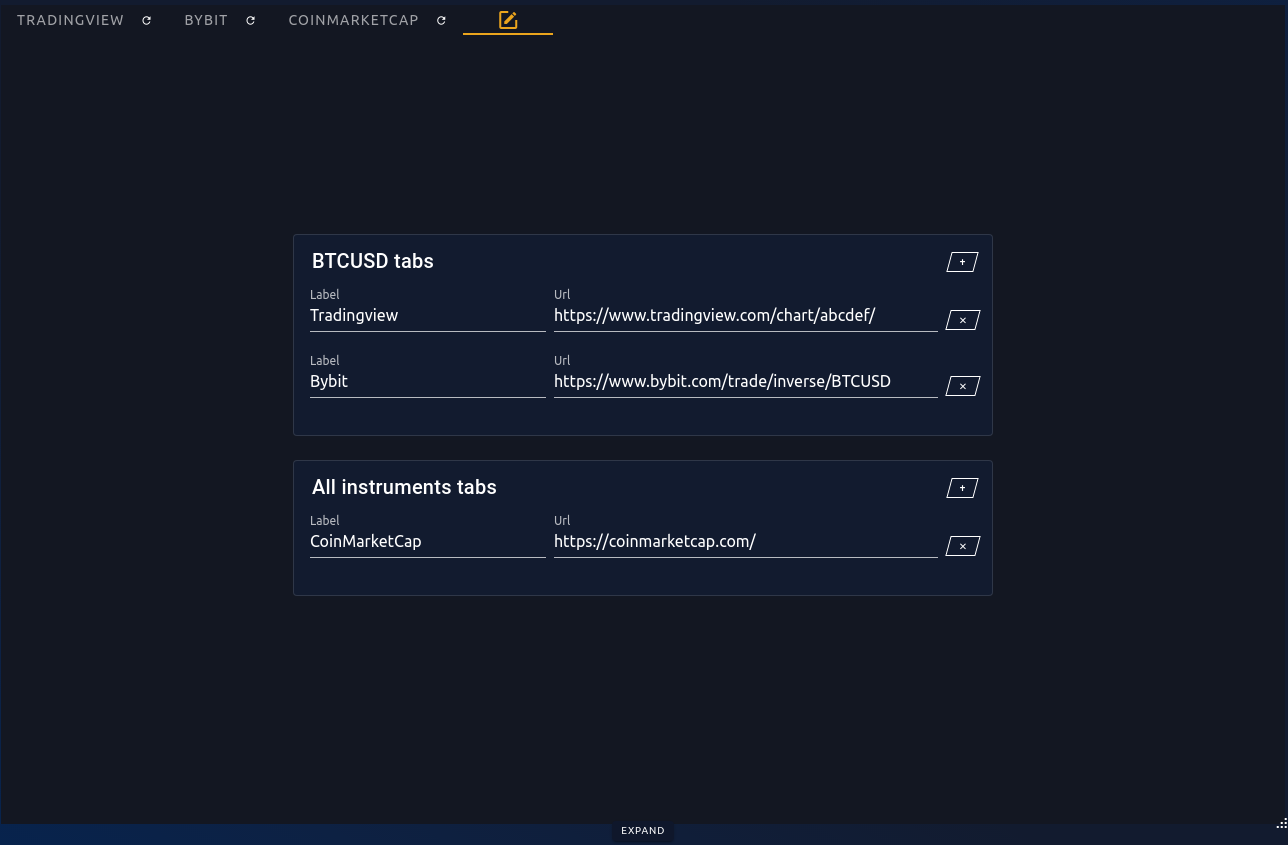
In BTCUSD (or any instrument you're on) tabs, enter the websites you want displayed only for BTCUSD. If you want different charts in tradingview depending on the instrument, create a new layout for each and assign it to the corresponding instrument in bybit pro.
In All instruments tabs, enter websites you want displayed for every instrument.
Clicking expand will expand the webview to full width. Clicking reduce then will reduce it to initial size.
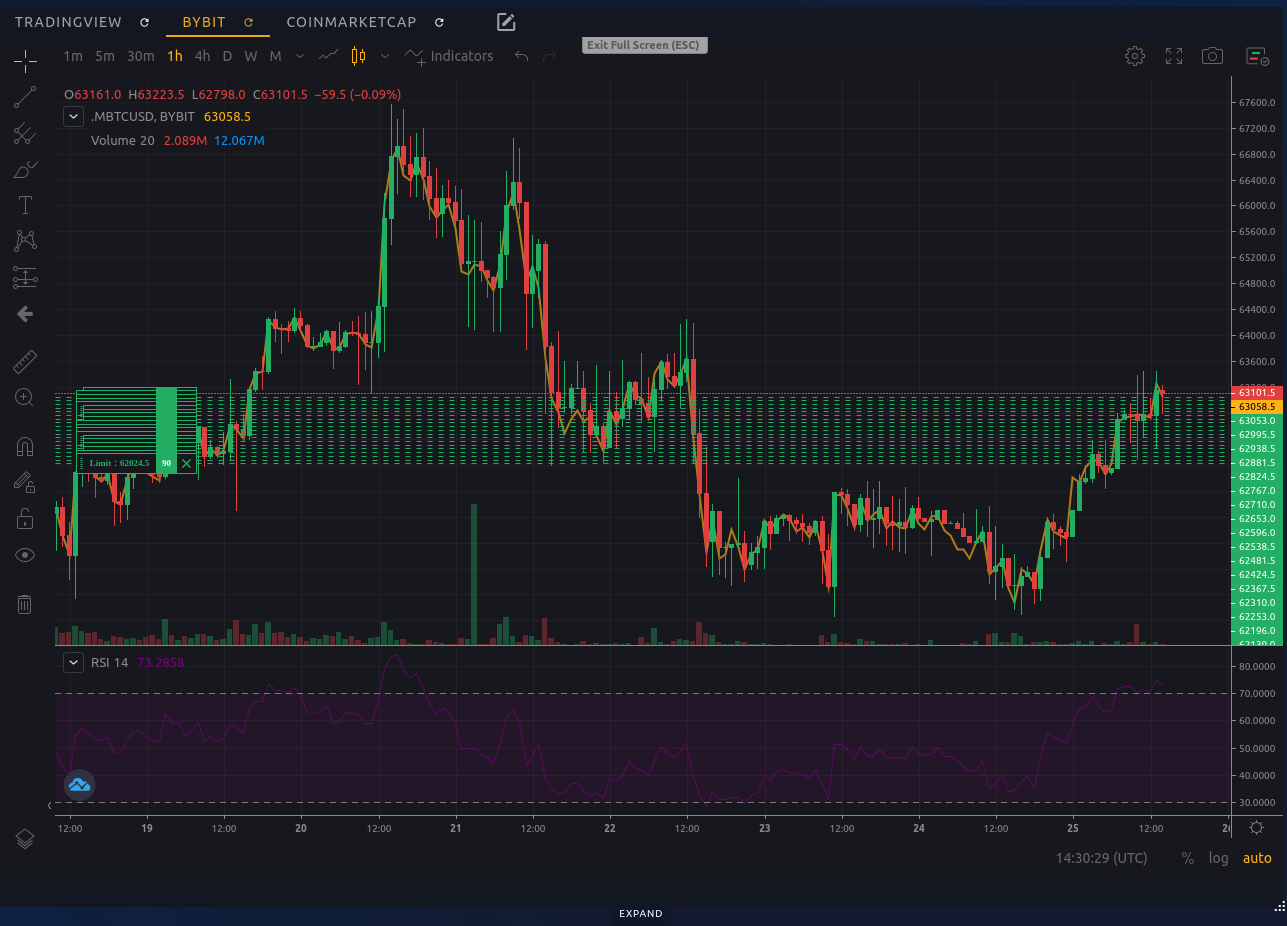
¶ Bybit clean chart
If you want a clean bybit chart, click on the fullscreen mode button on the bybit chart, it will fill all tab
¶ Tradingview layouts
If you want tradingview to switch charts when you switch instruments in bybit pro, create a new layout per instrument and assign the layout url to a corresponding instrument tab.