¶ Creation
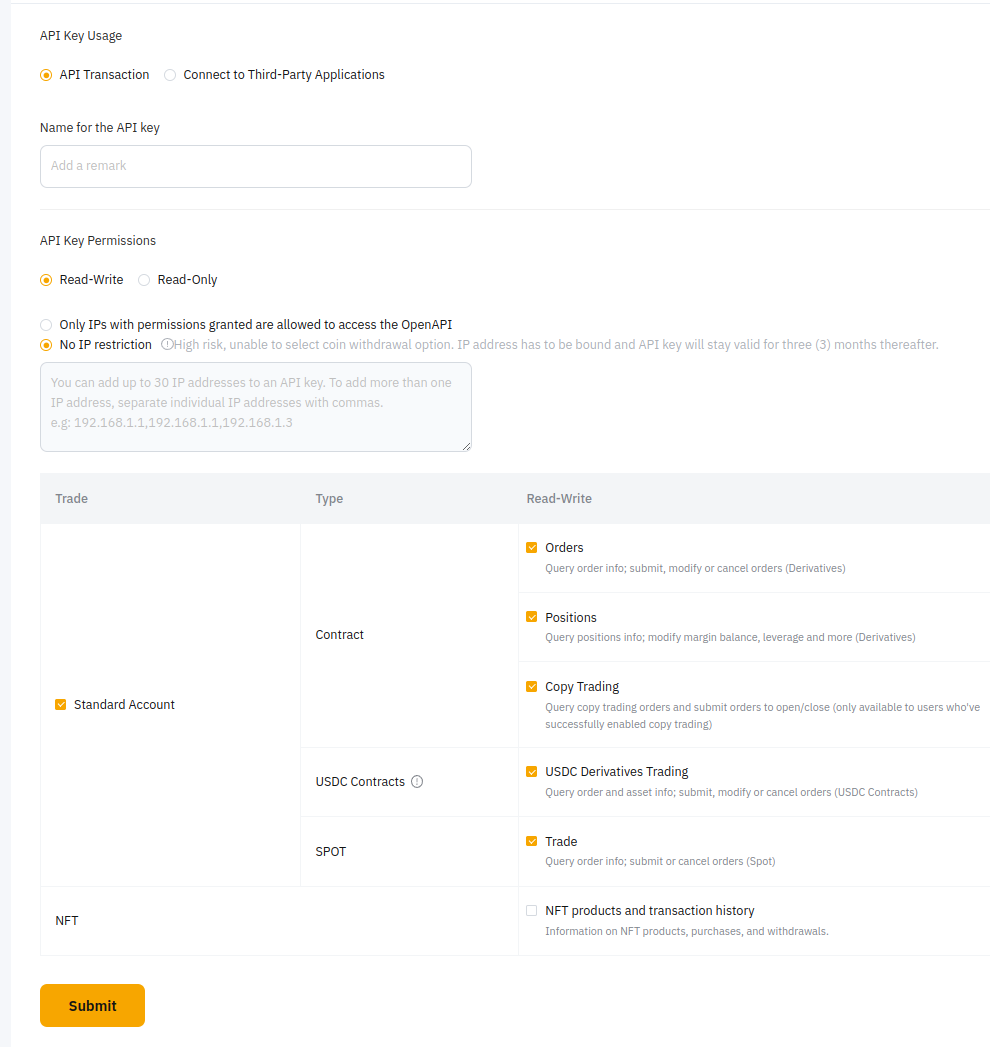
To create a new API key, go to your account API section and create a new key.
¶ Settings
| Section | Description | Value | Required |
|---|---|---|---|
| Api Key Usage | Type of API key | API Transaction | Yes |
| Name | Name of the API key | A name for your API key (e.g. bybit-pro, bbpro, bybit-1) | Yes |
| IP Address | IP address where the API key can be used | Your public IP address (e.g. 54.166.184.48, not 192.168.x.x) If using a VPN or if you don't have a fixed IP address, leave blank and renew every 3 months. Bybit-pro will remind you when your API key nears expiration. |
No |
| Contract | Give Bybit Pro permissions to trade derivatives | ☑ Positions ☑ Orders |
Yes |
| SPOT | Give Bybit Pro permissions to trade spot | ☑ Trade | No |
| USDC Contracts | Give Bybit Pro permissions to trade USDC derivatives | ☑ USDC Derivatives trading | No |
| Api Keys Permissions | Set all those permissions to read-write | Read-Write | Yes |
If you are getting "unmatched ip" error, you probably made a mistake with your IP address, change it to your new IP address or to blank on the API key section in bybit.
¶ Renewal
To renew your API key, go to your account API section on bybit and click on the edit IP address button

In the opened popup, enter your 2FA code and confirm.
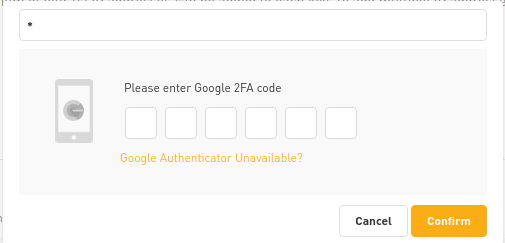
Once done, API key should be renewed for 3 months, check expiration date.
¶ Get Apex keys
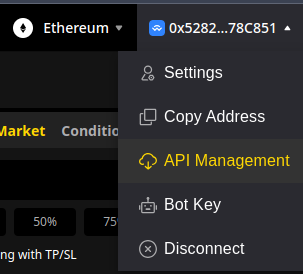
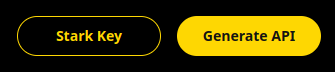
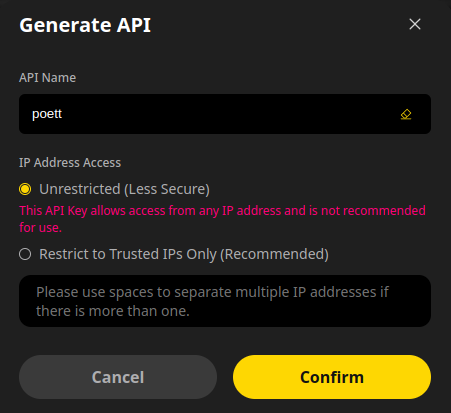
To get ApeX keys, navigate to ApeX Pro Exchange, connect your wallet, click on API management, then generate API
Give your API key a name and confirm.
Copy API key, API key Secret and API key passphrase in your POETT account, then go to Stark Key and copy the private stark key in your POETT account.